
 routers
Routers
What a HomeKit-enabled router actually does, why only two of them are in this directory, and what to buy instead if your real problem is a smart home that keeps dropping off the network.
2 products
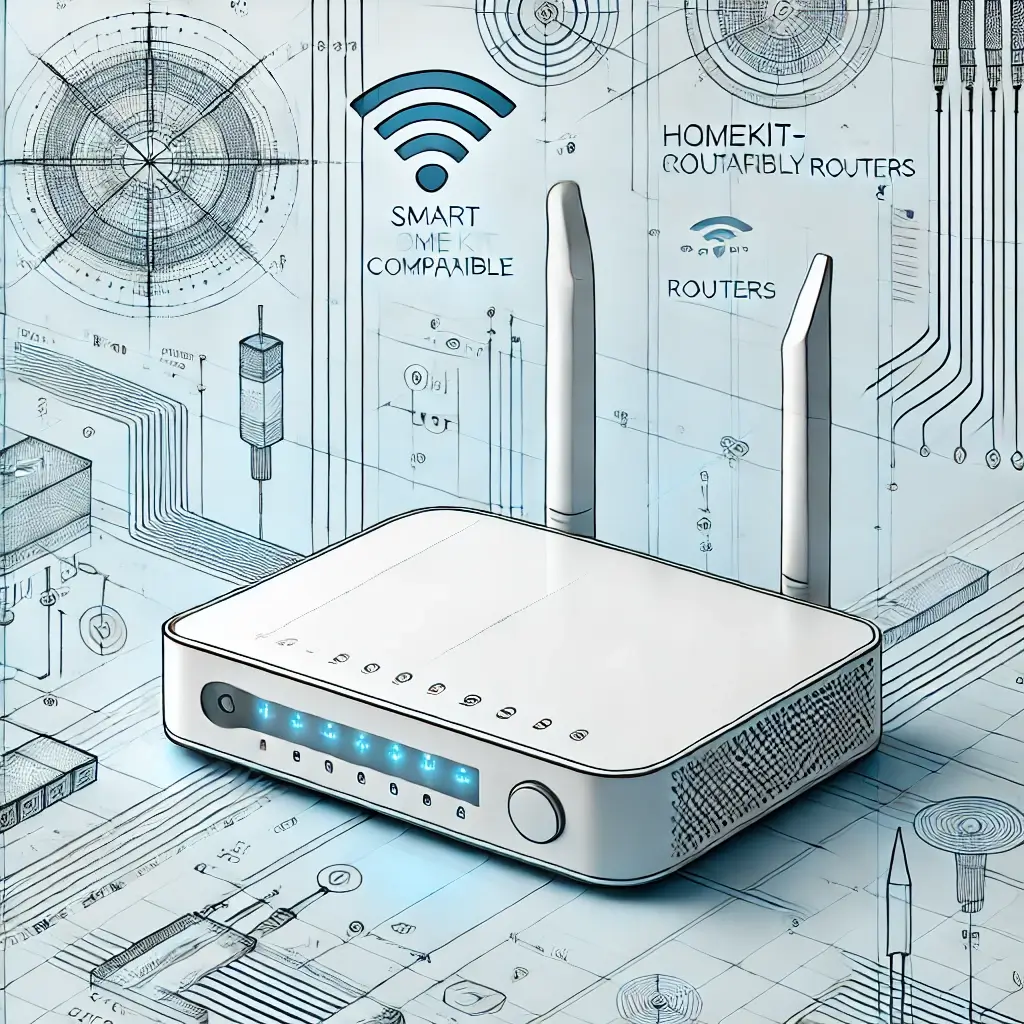
Showing 2 of 2 routers
Some links below are affiliate links: we may earn a commission if you buy through them, at no extra cost to you.
routers
routersNo routers match these filters.
Some links below are affiliate links: we may earn a commission if you buy through them, at no extra cost to you.
This is the shortest category on the site, and the honest version of this page is more useful than a long one.
A HomeKit-enabled router — Apple’s name for it was HomeKit Secure Router — does one specific thing. It lets the Home app apply a firewall rule to each accessory individually, so a smart plug is allowed to talk to its manufacturer and to your phone and to nothing else on your network or the internet. Each accessory gets one of three settings: unrestricted, restricted to the home, or automatic, where the manufacturer declares what the device needs and the router enforces exactly that.
It is a genuinely good idea. A cheap camera with a firmware flaw is a serious problem on a flat network and a much smaller one behind per-device rules.
Why there are only two routers here
Very few manufacturers ever shipped it. This directory carries 1,199 products and two of them are routers, which is the clearest possible statement of how much traction the feature got. No new HomeKit routers have arrived to replace the ones below.
So the practical position is this: do not choose a router for HomeKit support. There is not enough choice for it to be the deciding factor, and the things that actually determine whether your smart home works — coverage, band steering, how the mesh backhaul is arranged — are ordinary networking questions with the usual answers.
The two in the directory
AmpliFi Alien
The AmpliFi Alien is Ubiquiti’s tri-band Wi-Fi 6 router, mesh-ready, and the more interesting of the two. Ubiquiti’s networking pedigree is the reason to look at it — it is a serious router that happens to carry the HomeKit feature, rather than the other way round.
Linksys Velop AX4200
The Linksys Velop AX4200 is the tri-band Wi-Fi 6 mesh system — two 5 GHz bands and one 2.4 GHz — sold as single units you add to as the house demands.
What to fix instead
If you arrived here because the smart home is unreliable, the router’s HomeKit badge is almost certainly not the problem. In rough order of how often it is:
2.4 GHz coverage, not 5 GHz coverage. Nearly every smart plug, bulb and sensor is 2.4 GHz only. Speed tests on your phone use 5 GHz and tell you nothing about the band your accessories live on. The dead spot that matters is the one in the cupboard where the plug is.
A single SSID for both bands. Some accessories cannot complete setup while the phone is on 5 GHz, and some routers handle the handoff badly. Splitting the bands into two named networks temporarily is the standard fix for an accessory that will not pair, and it is worth knowing before you blame the accessory.
Where the home hub sits. A HomePod or Apple TV is what runs your automations and, on recent models, is the Thread border router the whole low-power mesh depends on. Putting it in a cupboard behind the television, at the far end of the house from everything else, quietly degrades every Thread accessory you own.
How many devices the router will actually hold. A house with fifty accessories is a genuinely unusual load, and cheap routers with small DHCP tables and modest client limits fall over well before the Wi-Fi does.
Ethernet where you can. Cameras, receivers and hubs sit in one place forever. Every one you take off the wireless network is one less thing competing for it.
What a HomeKit router does not do
It does not put your network in the Home app as an accessory, it does not create scenes or automations, and it does not make your accessories faster or more reliable. It is a firewall feature. Several manufacturer pages describe it in terms that suggest otherwise.
The two HomeKit-compatible routers in the directory are listed below.