
Best HomeKit-Compatible Light Bulbs: UK Buyer's Guide
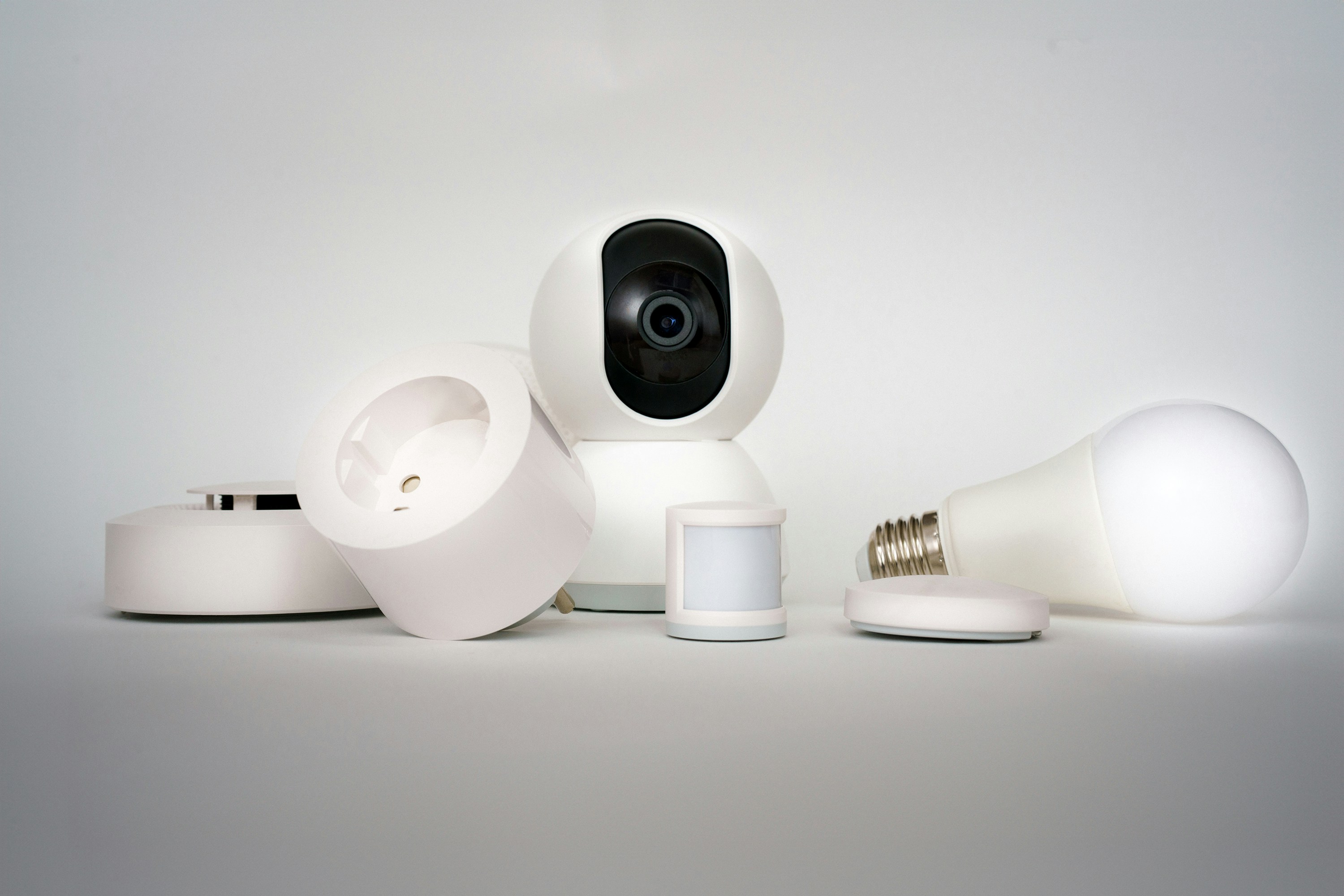
The best Apple Home bulb for one room is a Nanoleaf Essentials Matter bulb: it connects directly, comes in UK E27 and B22 fittings, and the Thread version responds quickly without loading another device onto Wi-Fi. For a whole house, Philips Hue with a Hue Bridge is the better system because the bridge keeps dozens of lights on their own Zigbee network.
That is the real buying decision. Brightness and colour matter, but direct versus bridge-based decides how the system behaves after the tenth bulb.
Want every fitting, strip and panel rather than a shortlist? Browse the full HomeKit-compatible lights directory.
Quick picks
| Use | Pick | Connection | Separate bridge? |
|---|---|---|---|
| First smart bulb | Nanoleaf Essentials Matter bulb | Matter over Thread | No, but Thread hub required |
| Whole-house system | Philips Hue Bridge and Hue bulbs | Zigbee to bridge | Yes |
| Bright, saturated colour | LIFX Colour 1100lm | Wi-Fi | No |
| Cheapest direct bulb | Meross MSL120HK | Wi-Fi | No |
| Decorative wall light | Nanoleaf Shapes Hexagons | Wi-Fi/Thread by generation | No |
Best first bulb: Nanoleaf Essentials
The Nanoleaf Essentials Smart LED Bulb is the cleanest starting point for a recent Apple Home setup. Current UK bulbs are offered in E27 screw and B22 bayonet fittings, with full colour and tunable white. Nanoleaf sells both Matter-over-Wi-Fi and Matter-over-Thread versions, so read the box before buying: they are not the same connection with different wording.
Choose the Thread version if you have a HomePod mini, second-generation HomePod or compatible Apple TV 4K. Choose Wi-Fi if you do not. Both work in Apple Home; the Thread version needs a Thread border router and contributes to the mesh once powered.
The catch is the wall switch. Like every smart bulb, Nanoleaf disappears when someone cuts its power. It is ideal for a lamp or a room whose switch can remain on. It is the wrong answer for a hallway where everyone uses the switch from habit.
Best whole-house system: Philips Hue
Hue costs more at the first bulb because the Hue Bridge does not light anything. What it buys is a dedicated Zigbee network for the bulbs, switches and sensors, rather than another Wi-Fi client for every fitting. At one bulb that is overhead. At twenty it is the reason the system remains manageable.
Hue also has the broadest range of physical fittings: bulbs, GU10 spots, lightstrips, outdoor fittings, lamps and battery-free wall controls designed to leave the smart bulbs powered. The Bridge exposes the system to Apple Home, so rooms and scenes can include Hue alongside other brands.
Buy Hue when this is becoming part of the house. Buy a direct bulb when it is a single lamp.
Best direct Wi-Fi colour: LIFX Colour 1100lm
The LIFX Colour 1100lm is brighter than the typical 800-lumen smart bulb and does not need a bridge. LIFX’s strong colour is the reason to choose it for a floor lamp or an exposed fitting where the bulb is the effect, rather than for six ceiling pendants where the price and Wi-Fi load multiply.
It joins Wi-Fi directly. That makes a one-bulb installation simple and a twenty-bulb installation less attractive. Our 800lm versus 1100lm comparison covers the brightness choice.
Best budget bulb: Meross MSL120HK
The Meross MSL120HK provides colour, tunable white and direct Wi-Fi control without a manufacturer bridge. It is the economical answer for one or two fittings where you want an Apple Home bulb and do not need a new ecosystem.
The trade-off is the same as LIFX: every bulb is another Wi-Fi device. The economy disappears if a crowded network later needs upgrading to support the lights.
Best decorative option: Nanoleaf Shapes
Nanoleaf Shapes Hexagons are panels, not bulbs, but they solve the brief most colour-bulb buyers actually have: make one wall visibly different. Apple Home sees them as a light for power, colour and scenes, while the Nanoleaf app handles layouts and animated effects.
Buy the smallest starter kit that fills the intended shape, lay the pattern on the floor first, and add expansion panels afterwards. Moving a large installed layout is far less amusing than the product photography suggests.
Check these five things before ordering
1. The cap fitting
UK homes commonly mix B22 bayonet, E27 screw, E14 small screw and GU10 spots. Remove the existing bulb and read its cap. Do not infer the fitting from the lampshade.
2. White quality, not just colour count
Every colour-bulb box promises millions of colours. The setting used every day is warm white. Look for tunable-white range and brightness at white, because some bulbs quote their best lumen figure at a cooler colour temperature than you will use in a sitting room.
3. Matter, Thread and the hub
Matter is the compatibility layer; Thread is one possible network underneath it. A Matter-over-Thread bulb needs a Thread border router. Our Matter, Thread and HomeKit explainer separates the three labels.
4. What happens at the wall
A smart bulb must remain powered. If the physical switch cannot realistically stay on, use a smart wall switch with ordinary bulbs instead. It preserves the normal control everyone already understands.
5. How many bulbs the room needs
One cheap Wi-Fi bulb is cheap. Twelve cheap Wi-Fi bulbs are a system. Price the whole room, including any bridge and switches, before comparing brands.
A useful first automation
Pair one bulb with a motion sensor rather than buying four bulbs at once. Set it to turn on only when the room is dark, then turn off after no motion. That tests latency, reliability and whether the household will tolerate automation before you repeat it everywhere. The Apple Home starter-kit guide shows the smallest setup that can do it.